Bounding Box Annotation
Choose Box to draw a normalized rectangle. Select it to move, resize from touch-sized handles, duplicate, delete, ignore, mark ambiguous, associate with an AI detection, or detach it. Coordinates are clamped to the image and remain accurate through aspect-fit and aspect-fill presentation.
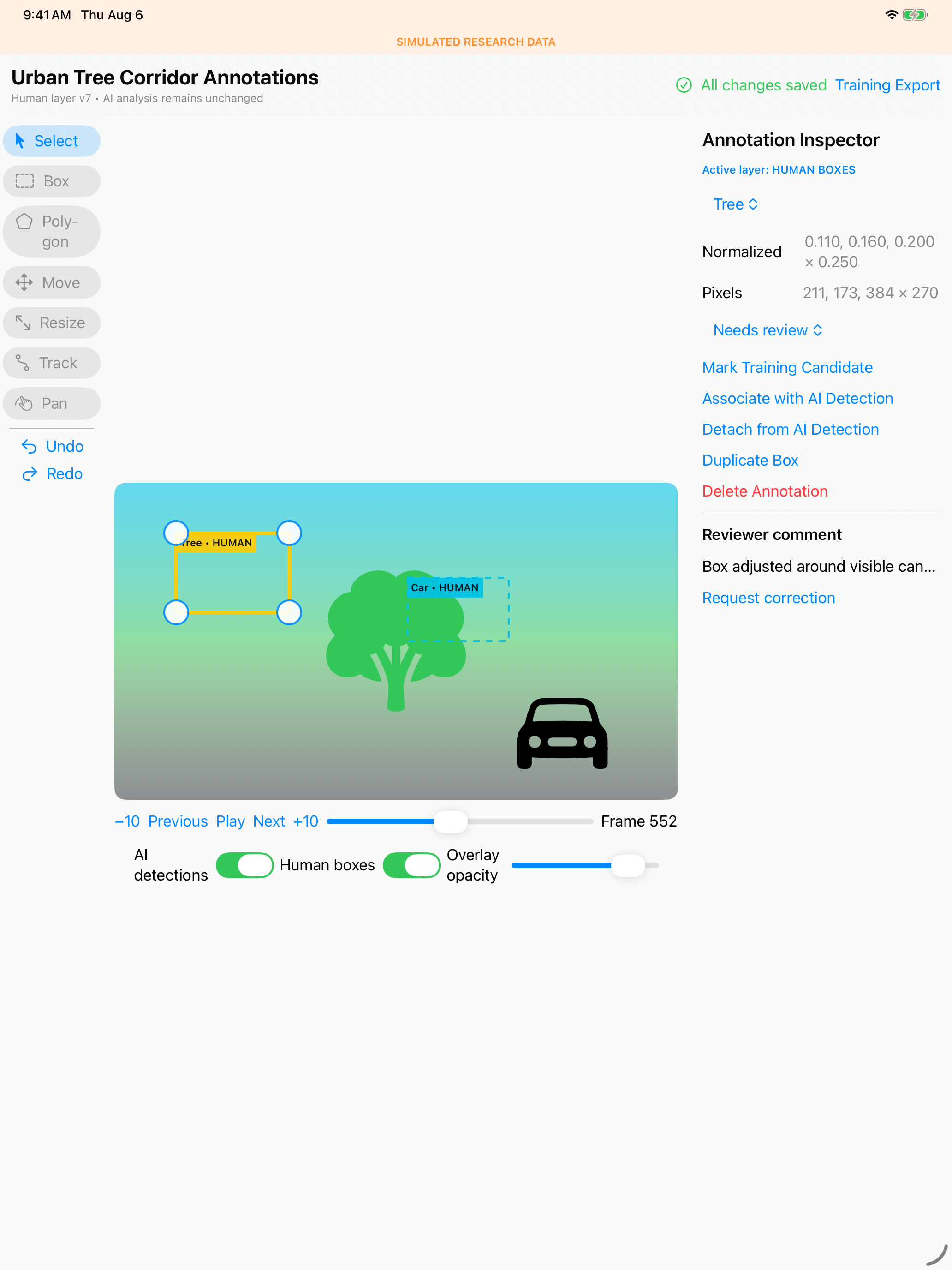
The inspector exposes normalized and pixel coordinates as an accessible keyboard alternative. AI boxes remain available for comparison and optional snapping.