Apple experience
Made for iPhone and iPad.
Keep in Touch supports both compact and larger Apple layouts so people can manage reminders, review contacts, and adjust natural-feeling follow-up schedules on the device that fits their workflow.
iPhone
Focused, mobile-first reminder management
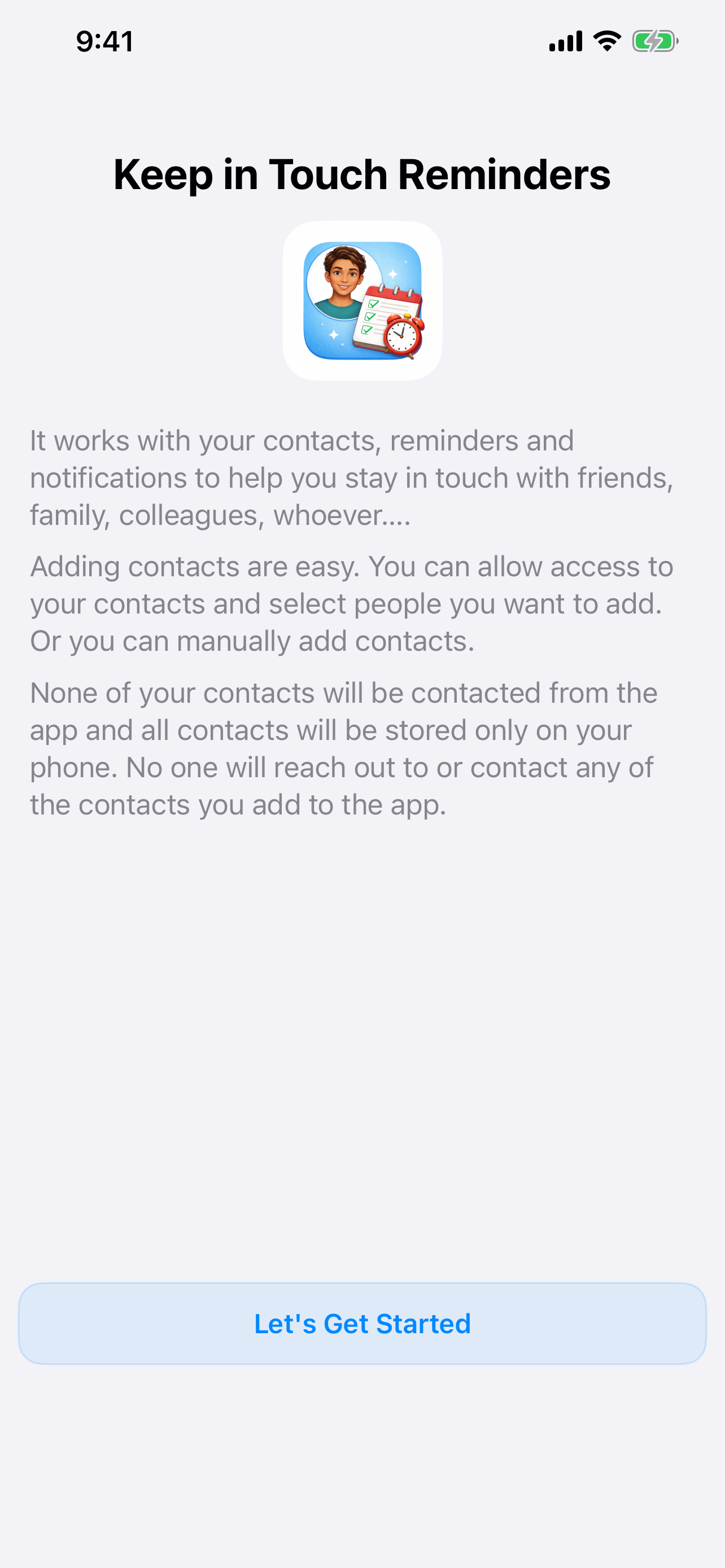
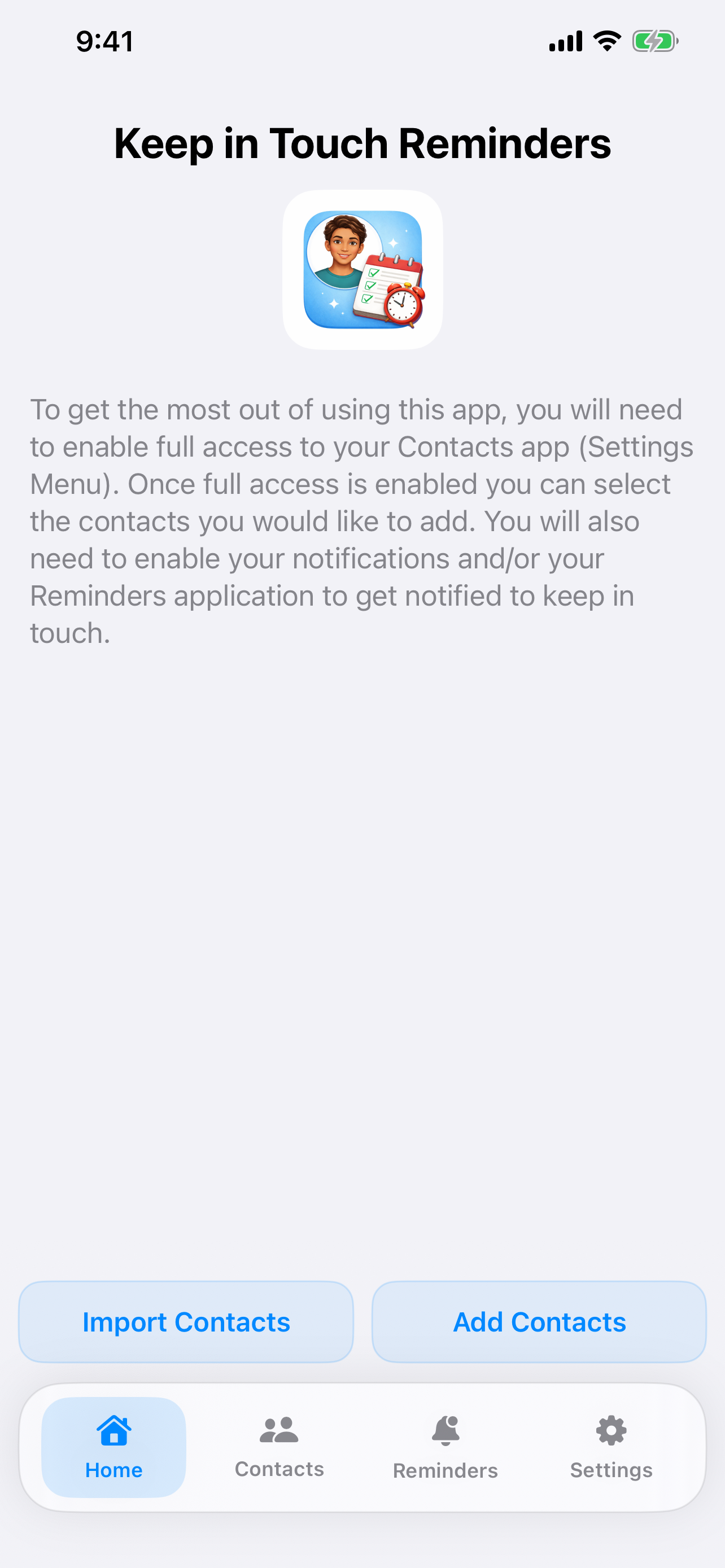
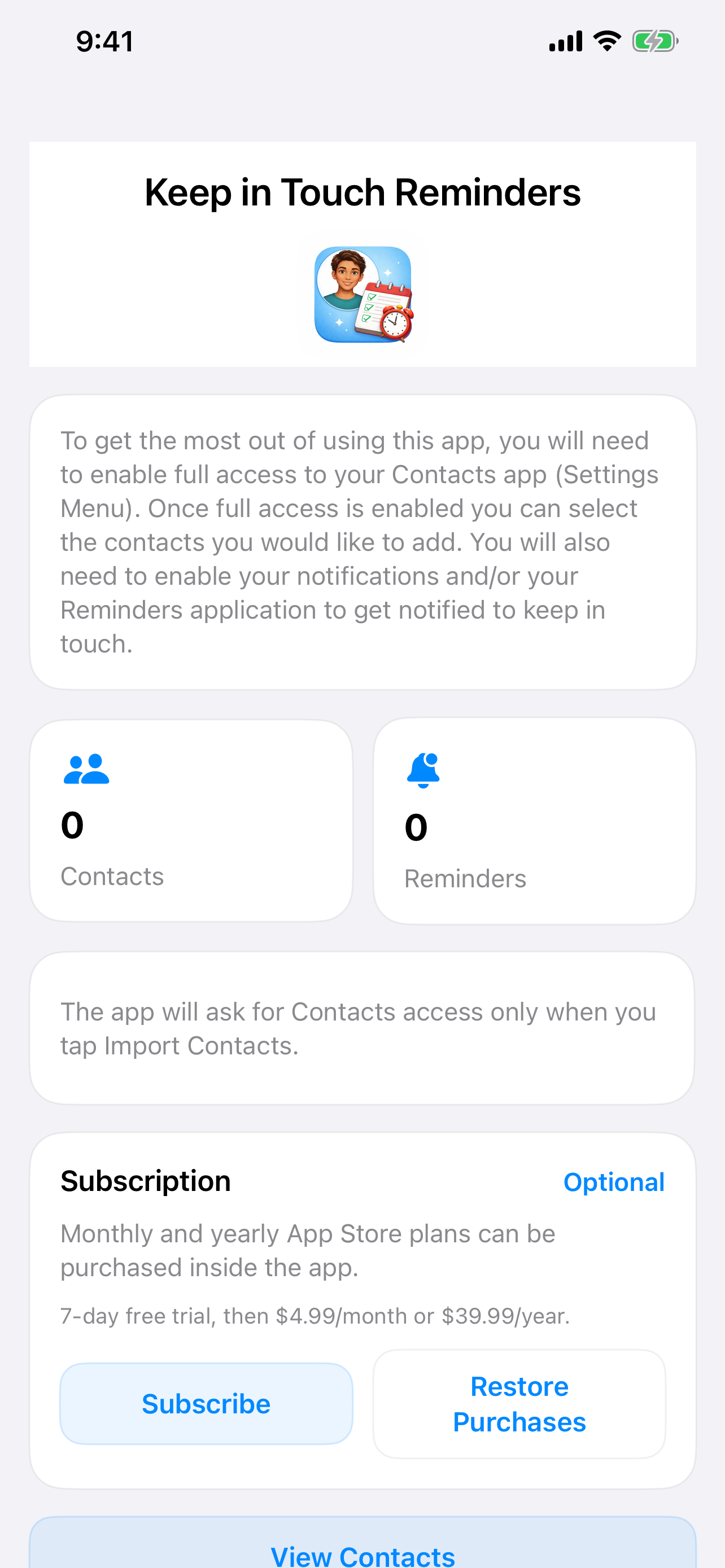
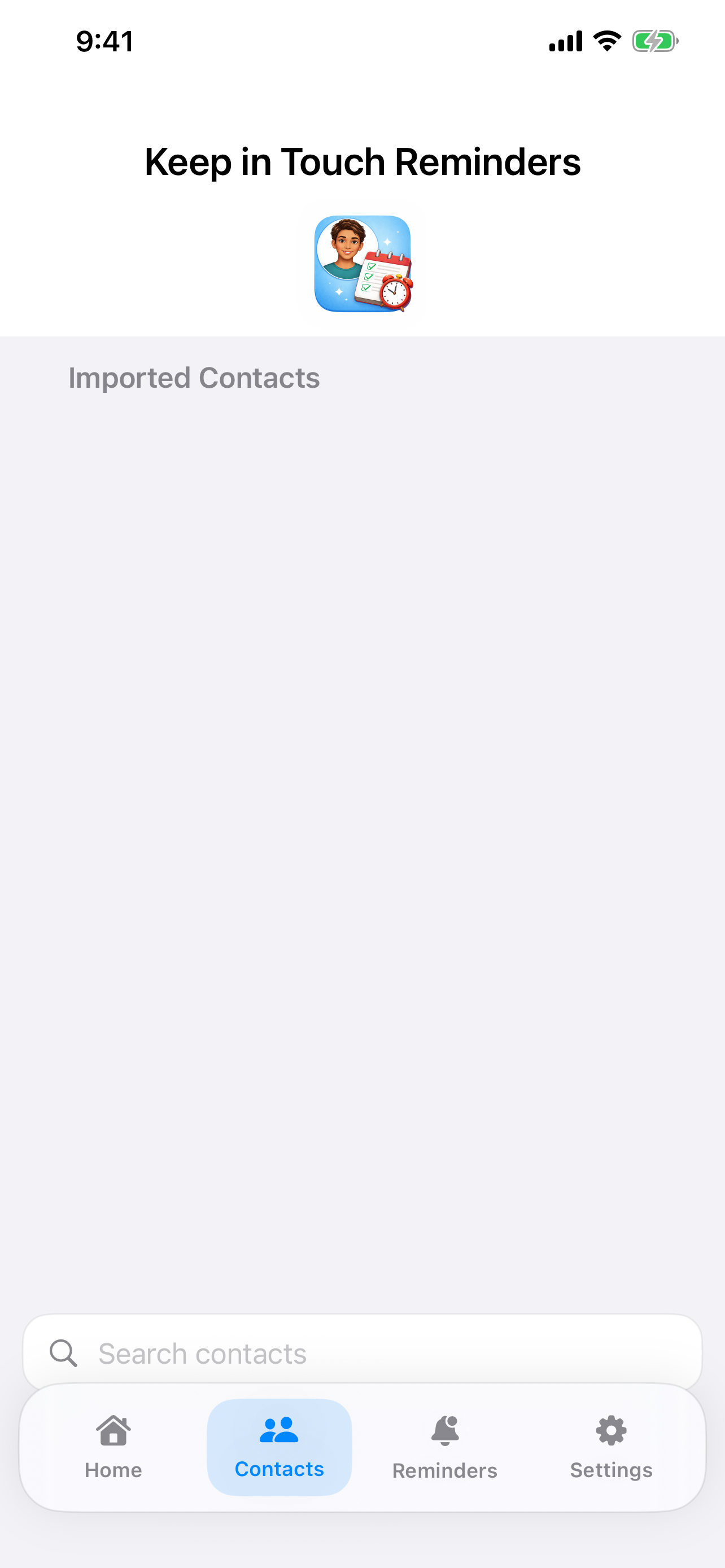
On iPhone, the app keeps the workflow simple: onboard, add or import contacts, define reminder behavior, and review scheduled outreach in a clean bottom-tab layout.
Why it works on iPhone
- Quick access to imported contacts and manual entry.
- Reminder controls that make irregular outreach feel intentional instead of forced.
- Subscription and permissions are easy to manage from one place.
- Supports app notifications and can complement Apple Reminders and Calendar-based planning.
iPad
Room to think through relationships and reminder strategy
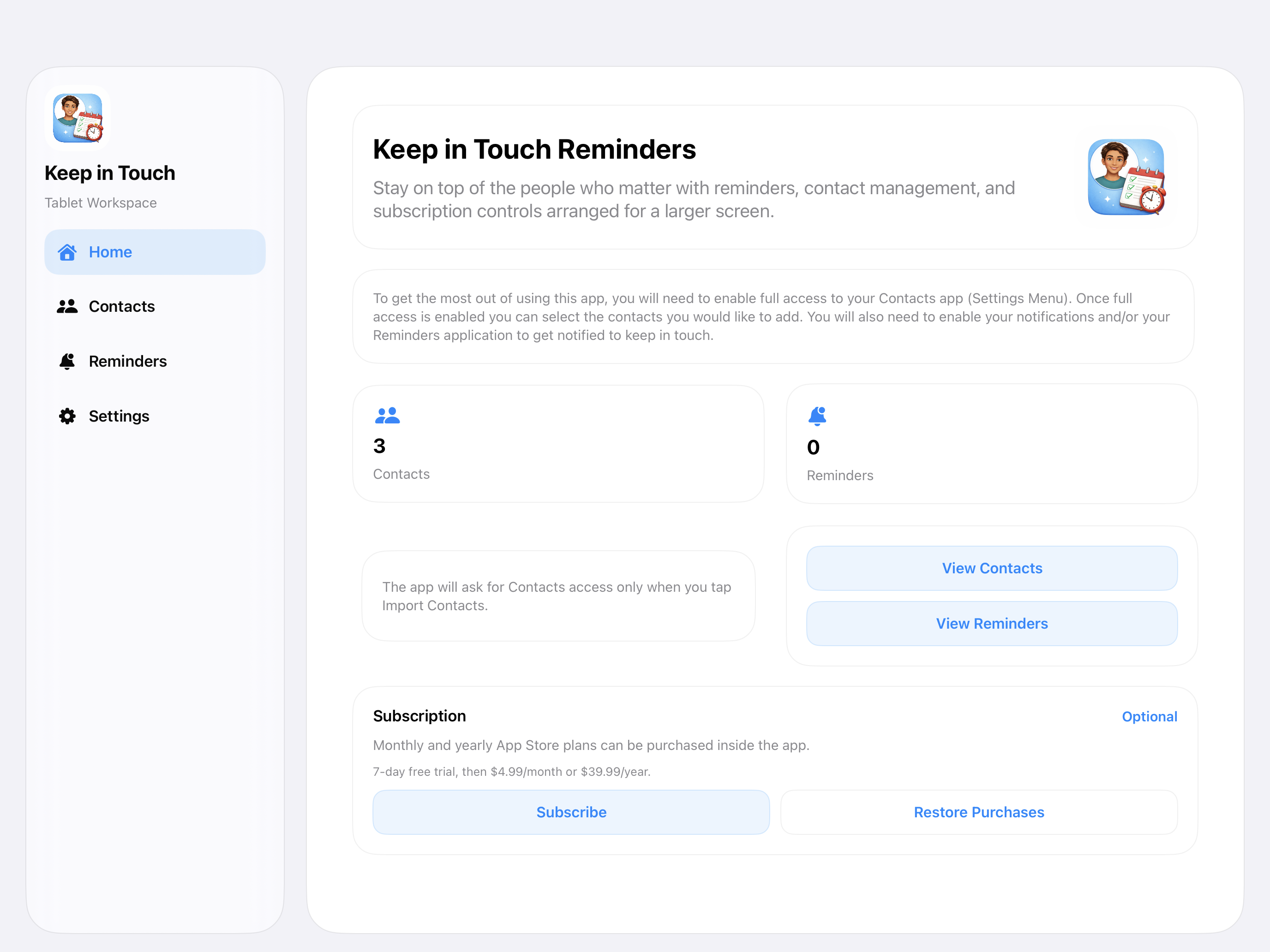
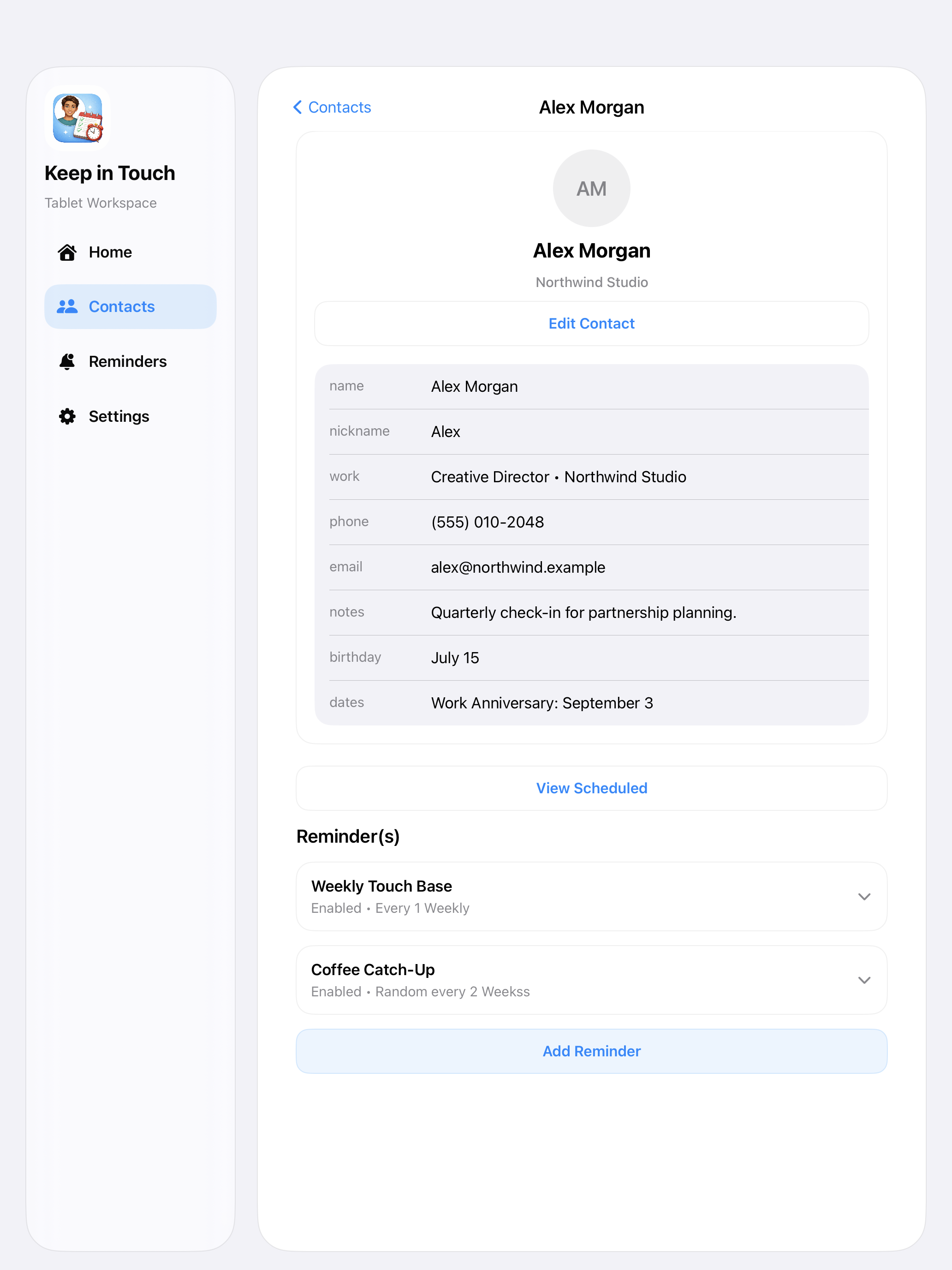
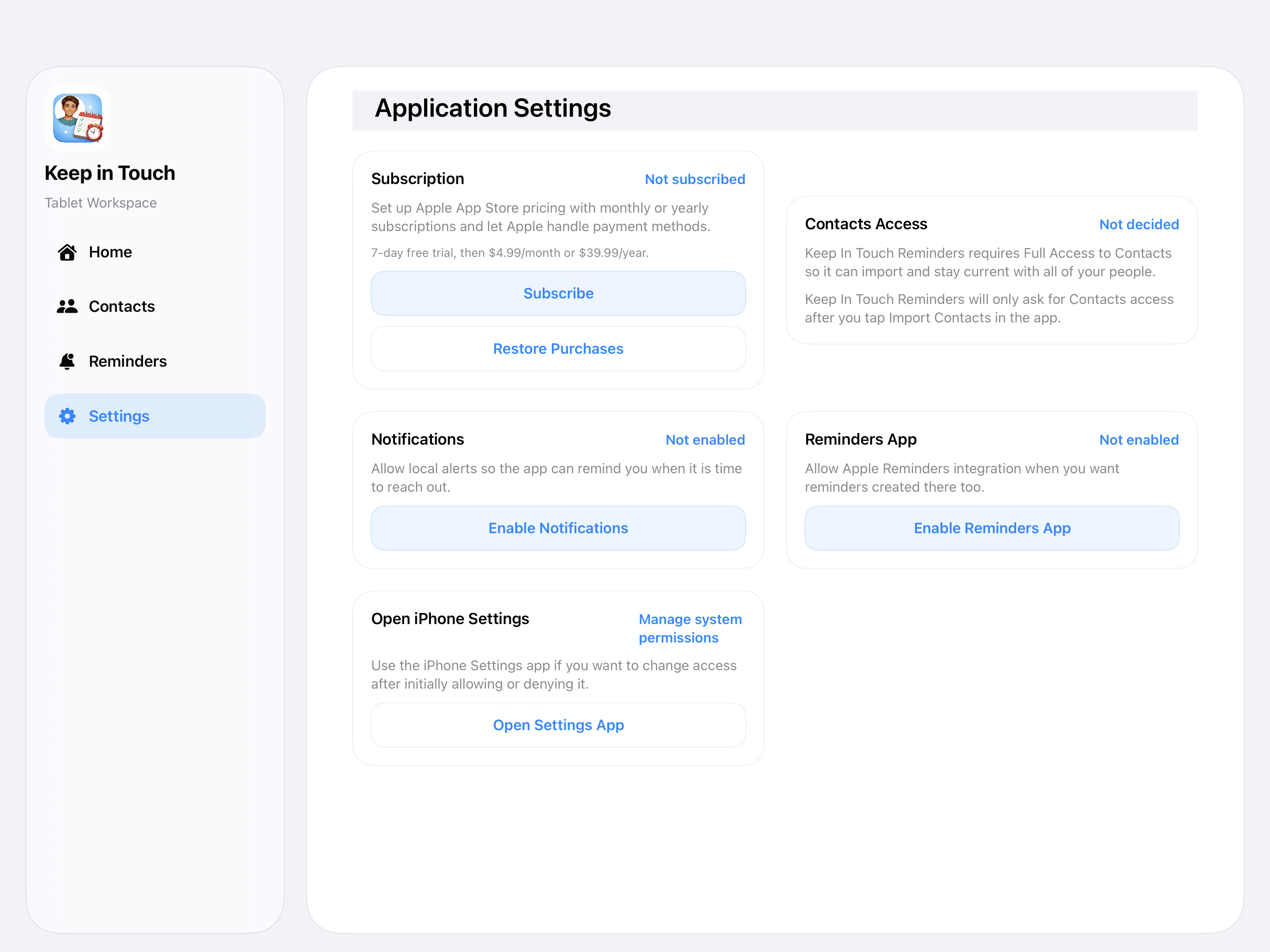
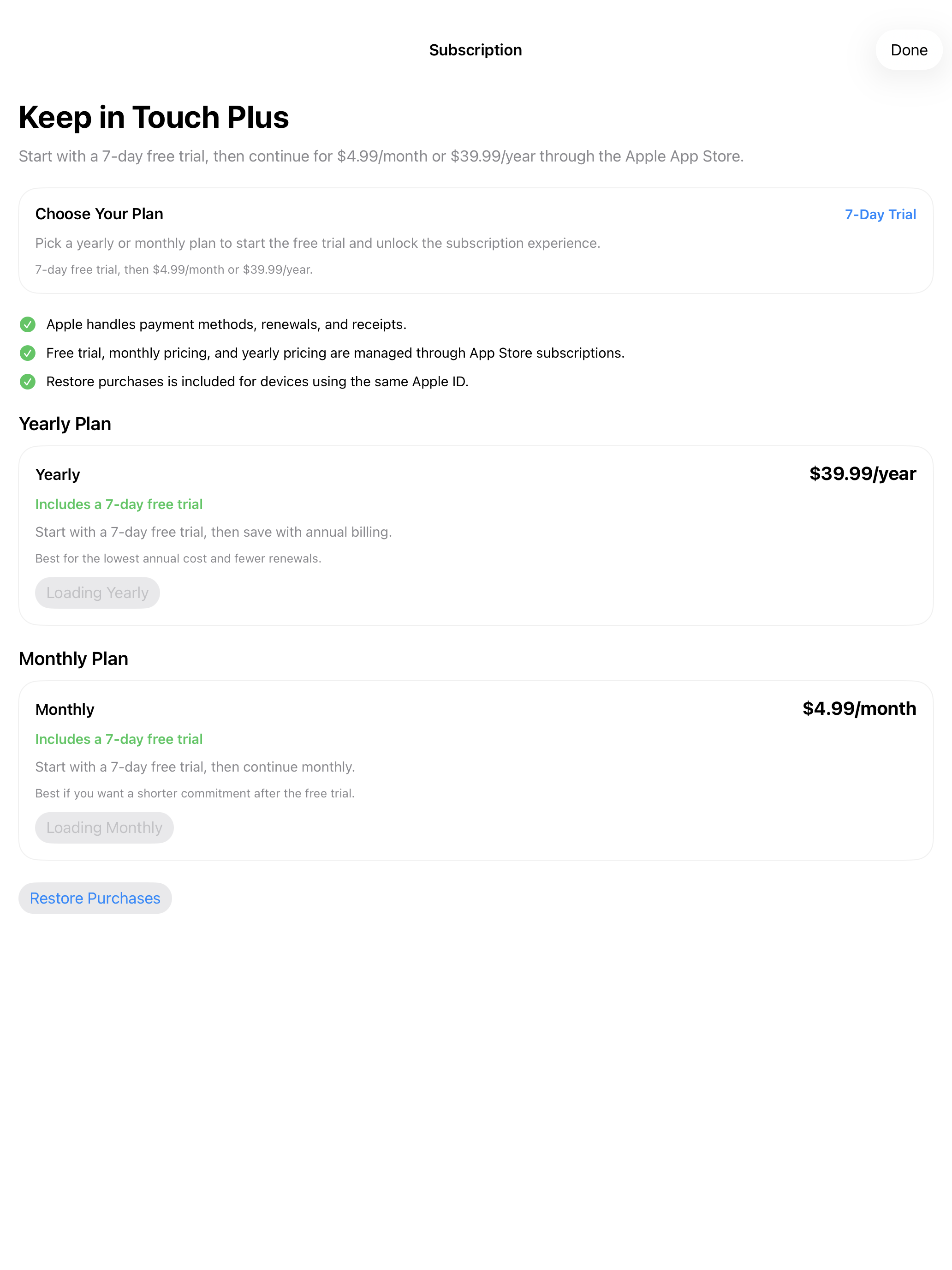
On iPad, the app expands into a layout that makes better use of space for reviewing contacts, settings, and reminder-related decisions without looking like an oversized phone app.
iPad walkthrough video
Natural reminder controls matter here too
The bigger canvas is especially helpful when users want to think about reminder cadence, spacing, and how random reminders fit different types of relationships.
- Wider layouts for reviewing contact details.
- A better overview of settings and subscription choices.
- Clearer presentation of reminder-focused workflows on larger screens.
- Easy to use alongside Apple Reminders, Calendar, or local app notifications.