Customize reminder frequency
Build weekly, monthly, or fully custom reminder patterns based on how often you actually want to check in.
Keep in Touch is designed for the moments when a normal yearly or monthly reminder is not enough. You can customize reminder frequency, define spacing windows, and use random reminder timing so your outreach feels more human, more flexible, and more relevant to real life.
Why it stands out
Traditional reminders are great when a date is fixed. Keep in Touch is for the in-between spaces: thoughtful check-ins, follow-ups, and relationship rhythms that should feel natural instead of robotic.
Keep in Touch can work through app notifications, and on Apple devices it can also fit alongside Apple Reminders and Calendar-based workflows when you want your follow-up prompts connected to the tools you already use.
Create reminder cadences that match relationships, not generic date templates.
Space reminders naturally across a time window instead of locking them to one exact day.
Contacts stay on device, giving you a personal workflow instead of a social network.
Choose app notifications or connect your routine to Apple Reminders and Calendar-friendly planning on supported devices.
Core functionality
Build weekly, monthly, or fully custom reminder patterns based on how often you actually want to check in.
Choose random spacing with minimum gaps and delivery windows so reminders land naturally instead of feeling repetitive.
Organize the people you care about, attach notes and context, and see scheduled reminders in one place.
Some follow-ups make sense as a local app notification. Others may fit better with Apple Reminders or a Calendar-based routine. Keep in Touch is built to support those practical workflows instead of forcing every reminder into one rigid pattern.
This is especially useful when a normal monthly or annual calendar reminder would feel too mechanical. Randomized reminders and custom spacing help outreach feel deliberate, thoughtful, and better paced.
Platforms
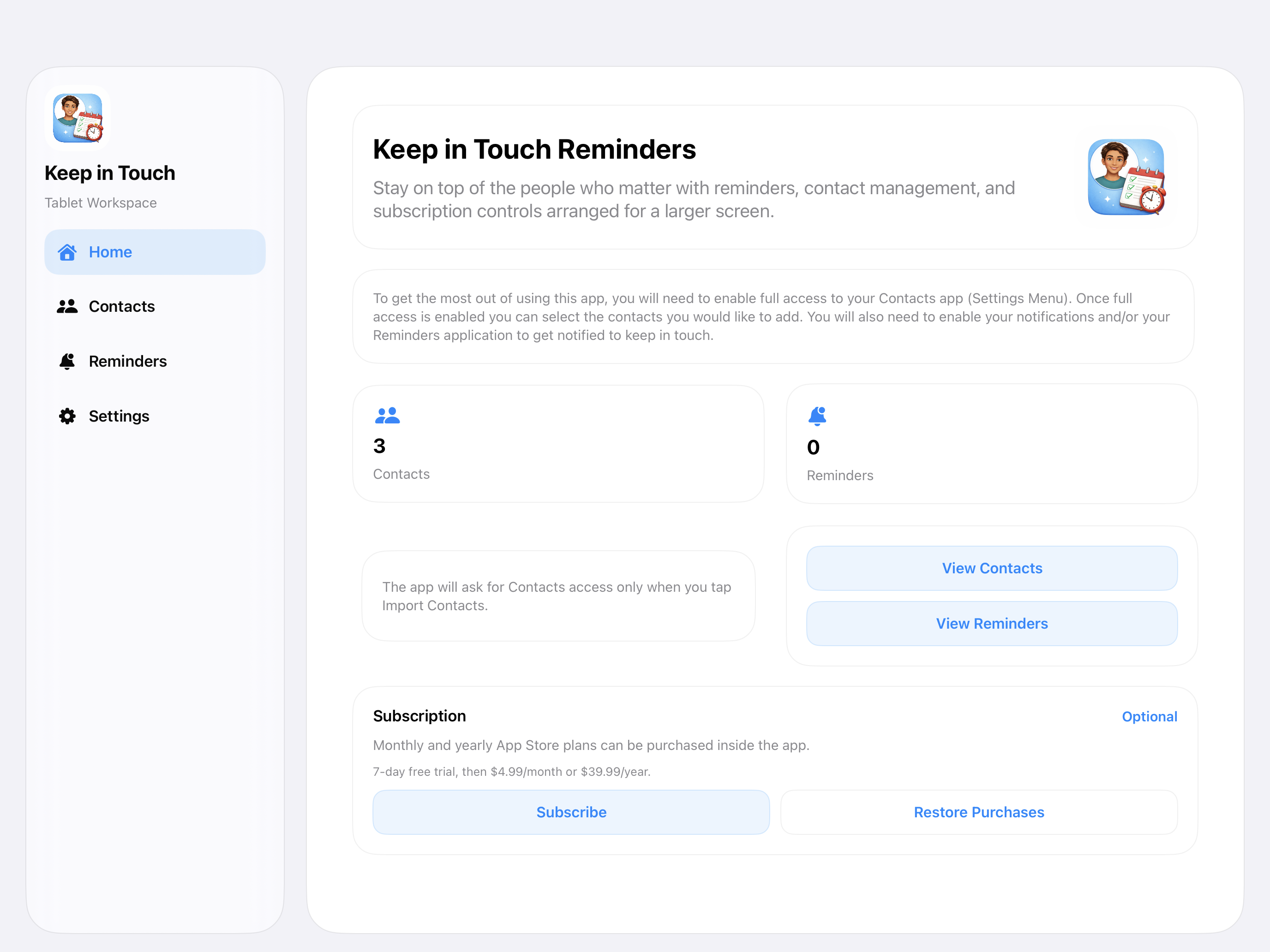
Explore the iPhone and iPad experience, including onboarding, contacts, reminders, settings, and subscription screens.
See both the Android phone and Android tablet layouts, with separate walkthrough media for each form factor.
Apple walkthrough
Android walkthrough